RealityCapture 1.2 Tarasque released!
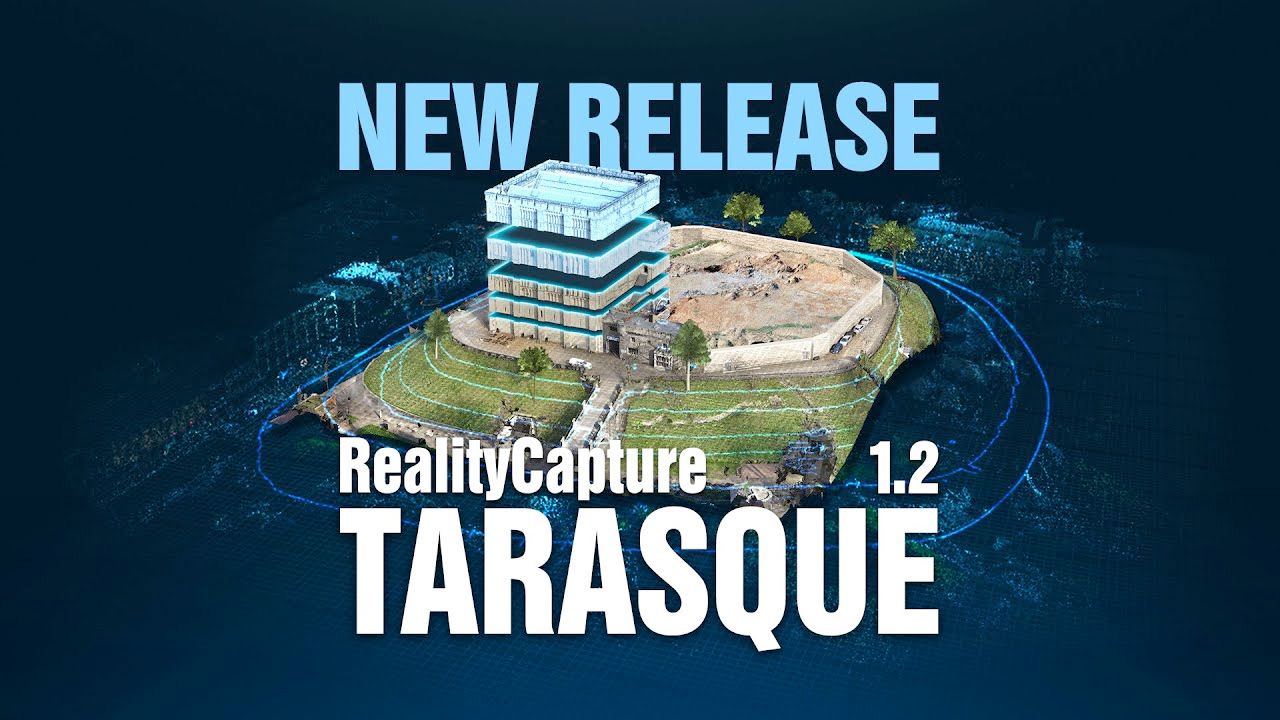
This new software release aims for field working professionals requiring the highest precision and speed. We have introduced many new exciting features as well as an improved easy to navigate ribbon.
State-of-the-art photogrammetry software
RealityCapture is the state-of-the-art photogrammetry software solution that is changing the industry.
It is currently the fastest solution on the market, which brings effectivity to your work and allows you to focus on your targets.
Create virtual reality scenes, textured 3D meshes, orthographic projections, geo-referenced maps and much more from images and/or laser scans completely automatically.
IMPORTANT NOTE: Projects created and/or saved in this version cannot be opened in the previous versions of RealityCapture.
Highlights:
- Calculation of volume and area for arbitrary shapes.
- Users can now create custom height profiles.
- Contour lines computation and export.
- BETA: Orthomosaic rendering method along with advanced mosaic editing tools.
Selected new features:
- Faster depth-maps calculation (even 2x+)
- BETA: Now possible to detect misaligned cameras within Inspect tool.
- Now possible to create and export cross sections of the models.
- Ribbon improvements and color cursors auto-detection for more intuitive and smoother user experience.
- View context tabs now always visible and extended with selection of view options and tools.
- One-export dialog grouping all export options, most recently used option and search function.
- Export and sharing options added to the main menu.
- Camera uncertainty ellipses now visible in map view for each camera.
- Relative camera position uncertainties now visible in 1Ds for each camera.
- Now possible to freeze simplification of the model edges.
- Added option to choose texture format and layer for Level Of Detail (LOD) model export.
- Several optimizations to LOD export (e.g. size and hierarchy of the exported LOD models).
- Now possible to filter images displayed in 2Ds view – you can drag and drop selections, add, subtract or intersect them or press delete to hide them from 2Ds view.
- Added option to frame images/cameras in the map view.
- Items can be deselected by right-click of the mouse.
- Minimized texture dimensions after fixed and adaptive texel size unwrap.
- Automatic markers detection supported for grayscale inputs.
- Updated database of coordinate systems.
- Now possible to enable slope shading on DTM and DSM.
- Multiple security improvements when running Real-time Assistant.
- Improved results when using Correct Colors tool.
Command Line Interface:
Added new CLI commands (setGroundPlaneFromReconstructionRegion, exportCrossSections, renameCrossSections, selectCrossSections, computeContours, exportContours, renameContours, selectContours, exportShapes, importShapesToSelectedOrtho, importShapesToOrtho, selectShape, addShapeToSelection).
Introduced new key “allowReadOnly” for set command for enabling opening project multiple times.
Source:Capture Reality
熱門頭條新聞
- 3rd NVIDIA DGX Spark Hackathon · Agent Skills Development Challenge
- Mai Shiranui arrives! Crystal of Atlan Launches the Fighter’s new class branch, Sugariff Alongside The King of Fighters ’98 collaboration character
- Crossing the Anime Frontier: Steam Anime Game Festival 2026 Kicks Off, Bringing Together Worldwide Anime-Style Games
- GATE ZERO FIGHTS TO PROTECT HISTORY IN FIRST COMBAT GAMEPLAY TRAILER – COMING TO STEAM AND CONSOLES SPRING 2027
- 78th Emmy Awards (Formerly Creative Arts Emmy Awards) Concludes, Honoring On-and-Behind-the-Camera Talents in Television
- Mr. RECORDS Brings the Beat to Nintendo Switch 2
- Blossom: The Seed of Life Goes Co-op with the “Together on Mars” Updated
- SlashZero Debuts New Story Trailer at PlayStation State of Play, Demo Available Now on PlayStation 5 and Steam