Introducing Bifrost 2.1
With a focus on new capabilities and ease-of-use, version 2.1 of Bifrost for Maya makes it possible to build compounds using rapid point-cloud lookups, nearest-neighbor searches, and raycasting. Other highlights include an improved interface for setting datatypes on nodes, making graphs more readable, and significant improvement in file IO.
Here’s a quick summary of some of the highlights:
Geometric Queries
We’ve added new nodes and compounds for quickly querying the closest point or location, points in a radius, and raycasting. Combined with a brand-new scope for visualizing geometric queries, these nodes open the door for a range of new compounds to easily be created, including collision deformers and attribute transfer.
Raycasting visualized as arrows that are used to light a scene
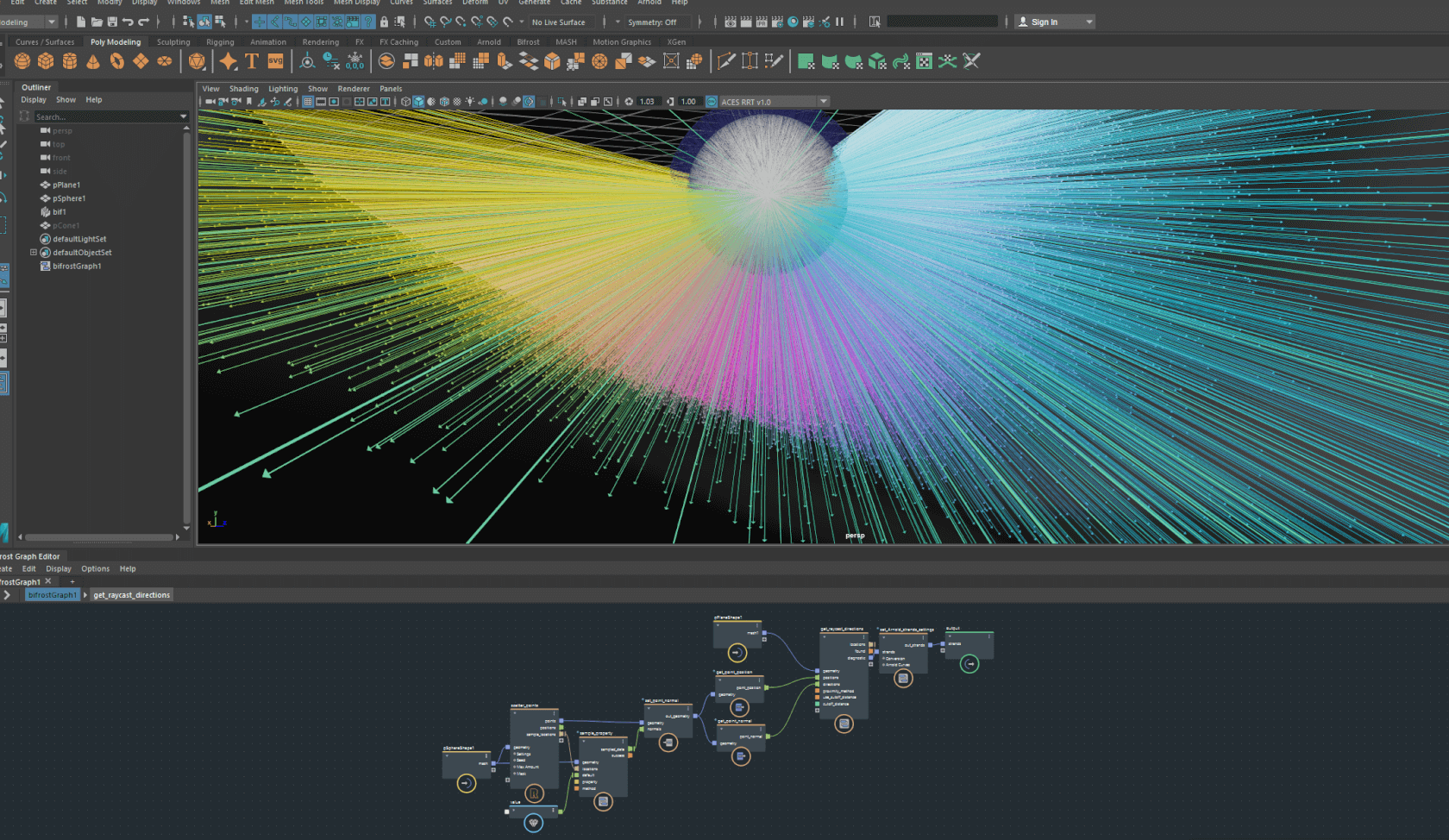
Raycasting visualized using arrows
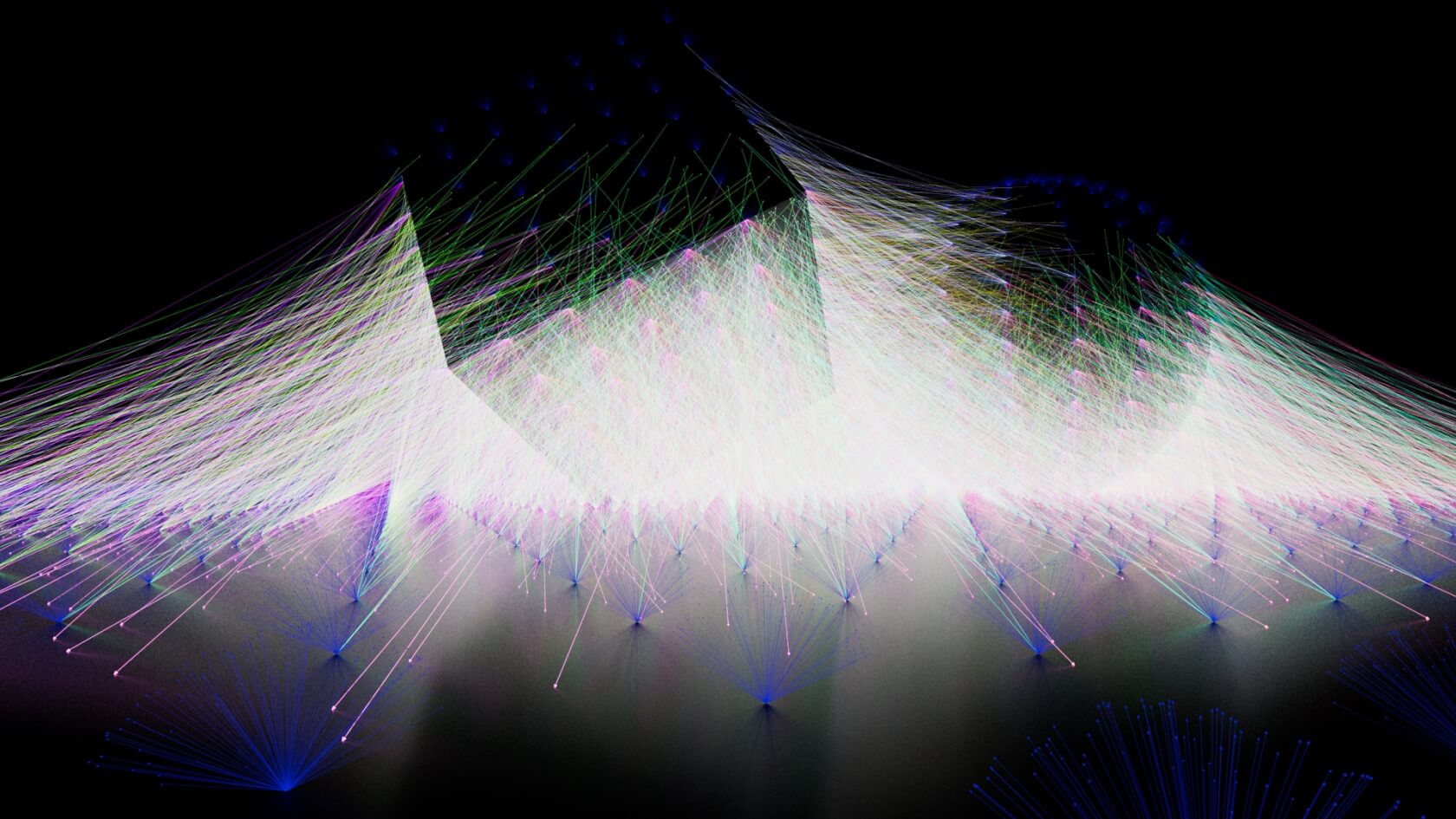
Ambient occlusion example with arrows lighting the scene
Improved Graph Readability
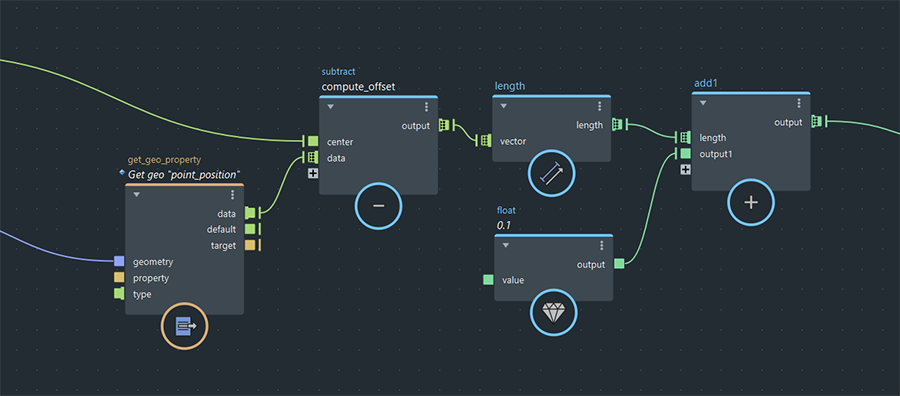
New options make Bifrost graphs more readable and easy to navigate:
– A new icon to identify auto-looped ports
– Value nodes display the number they represent, rather than simply “value”
– Toggles display all node types, rather than just node names
Improved File IO
Alembic IO nodes now support reading and writing multiple meshes with a single file, keeping UV and painted attributes intact. Bifrost strands can now be serialized as Alembic curves and Bifrost points can be serialized as Alembic points – in both cases keeping all per-point properties intact. All file path parameters now have a file-browser button, making it quicker to work with file nodes in production.
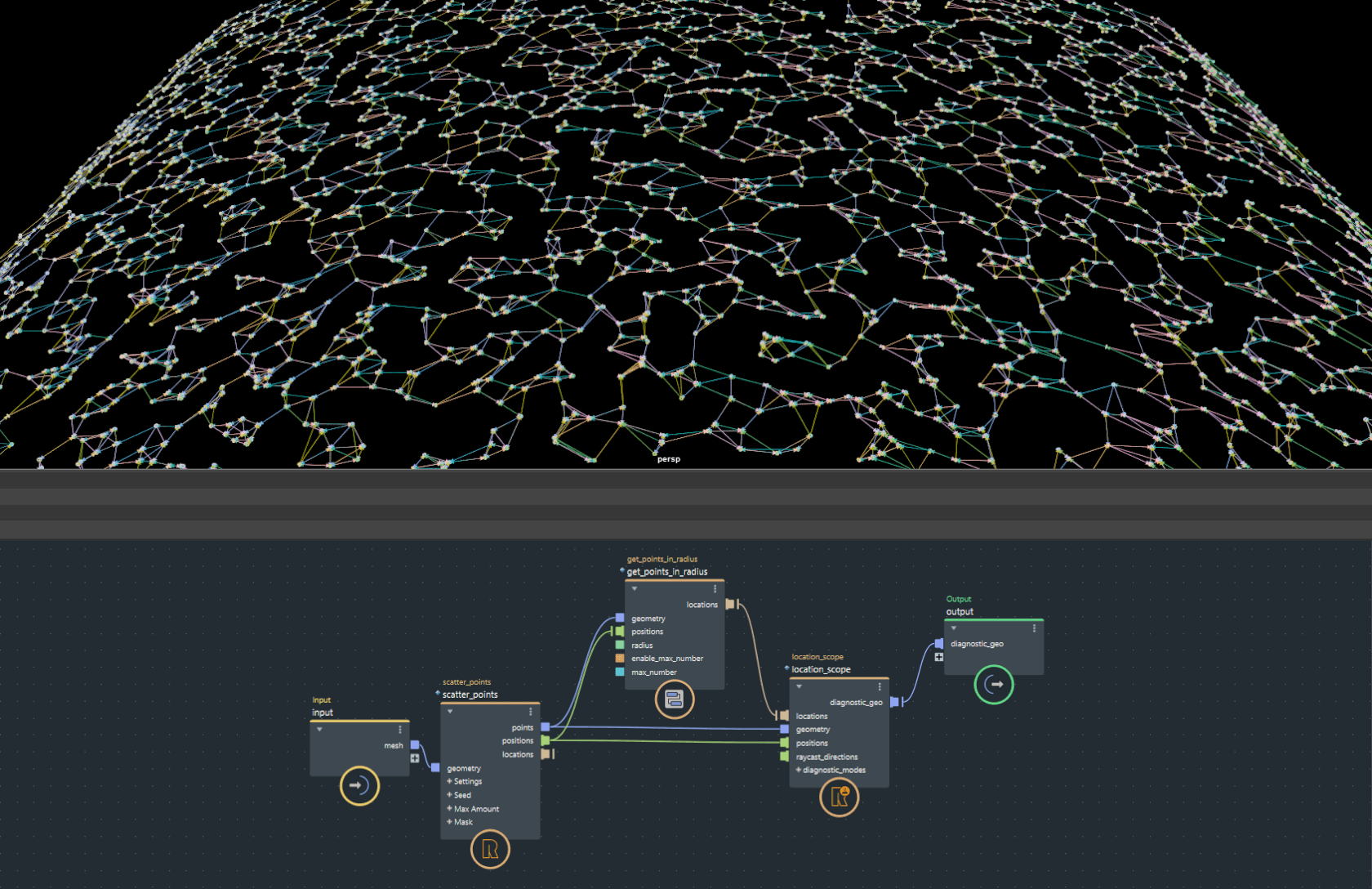
Querying closest points
FCurve Editor
The FCurve Editor now provides pre- and post-extrapolation functions, improved framing and clamping capabilities, and an array of UX enhancements that make it easier to edit your curves.
FX Updates
The aero and particles graphs have both been simplified and improved to address workflow and readability. A number of smaller features have been added including properties that flag particles that have collided with an object and meshing of density volumes. The MPM sand, snow, and fluid nodes have also been updated with new ports and shortcuts, making it easier to add custom properties.
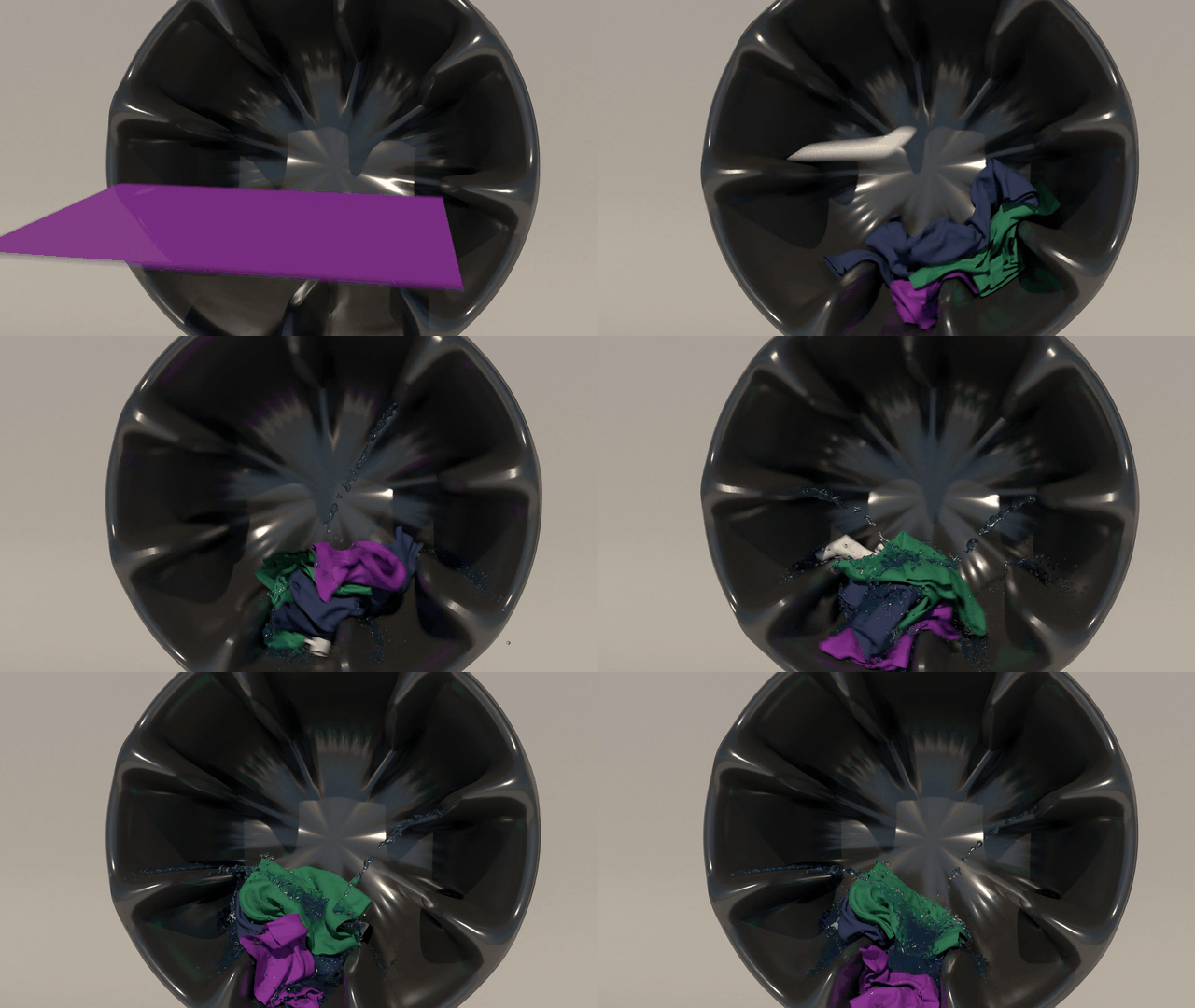
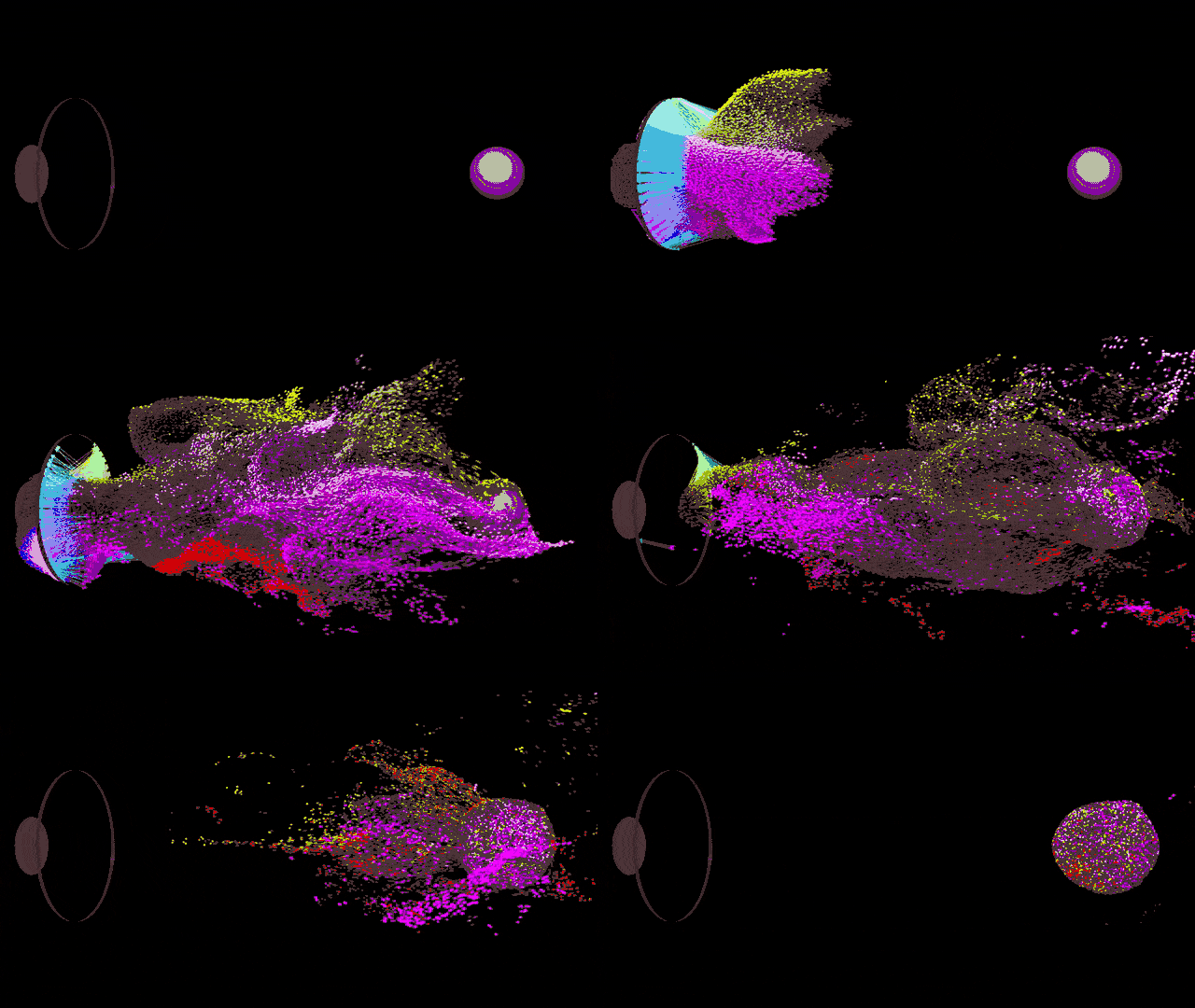
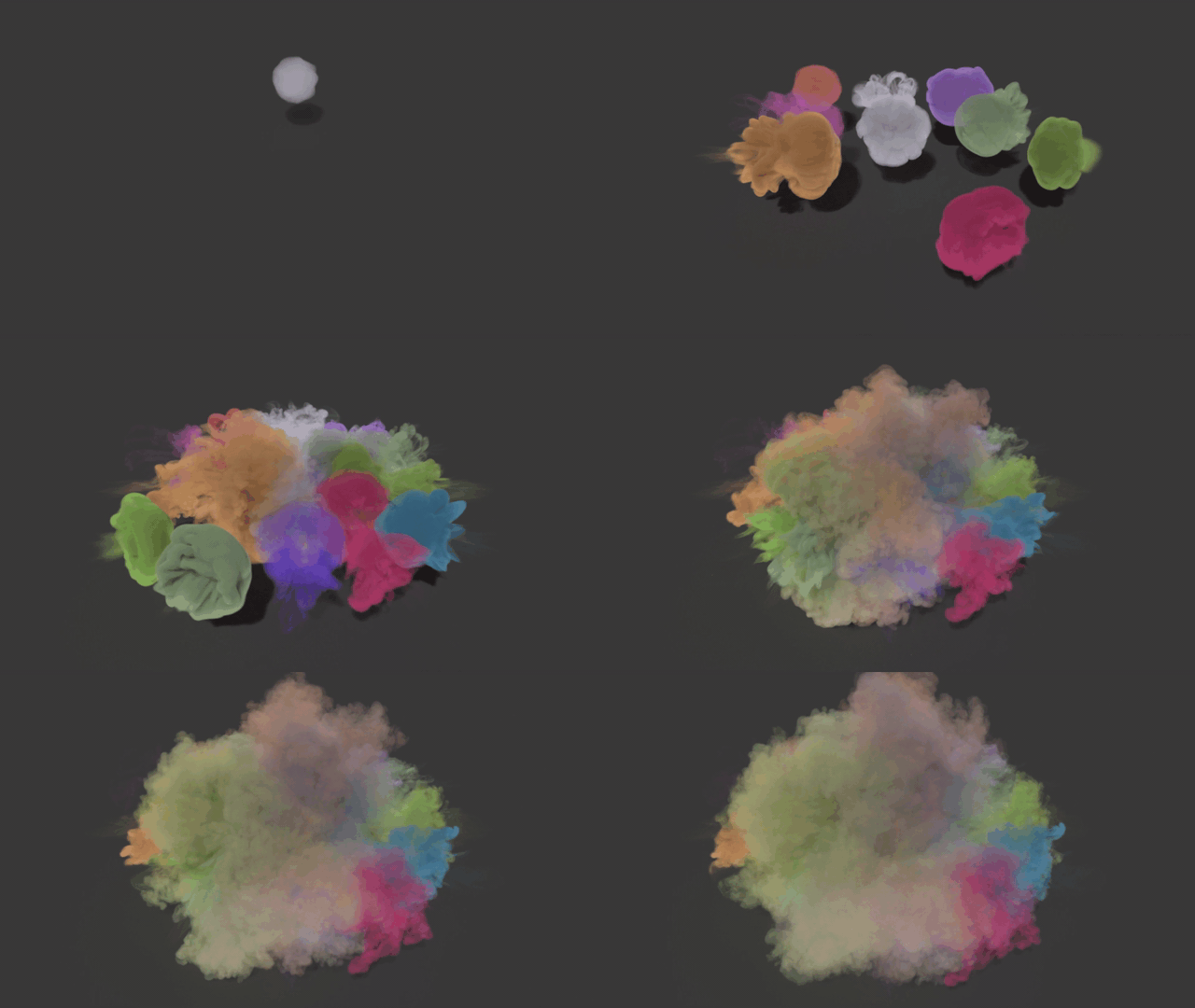
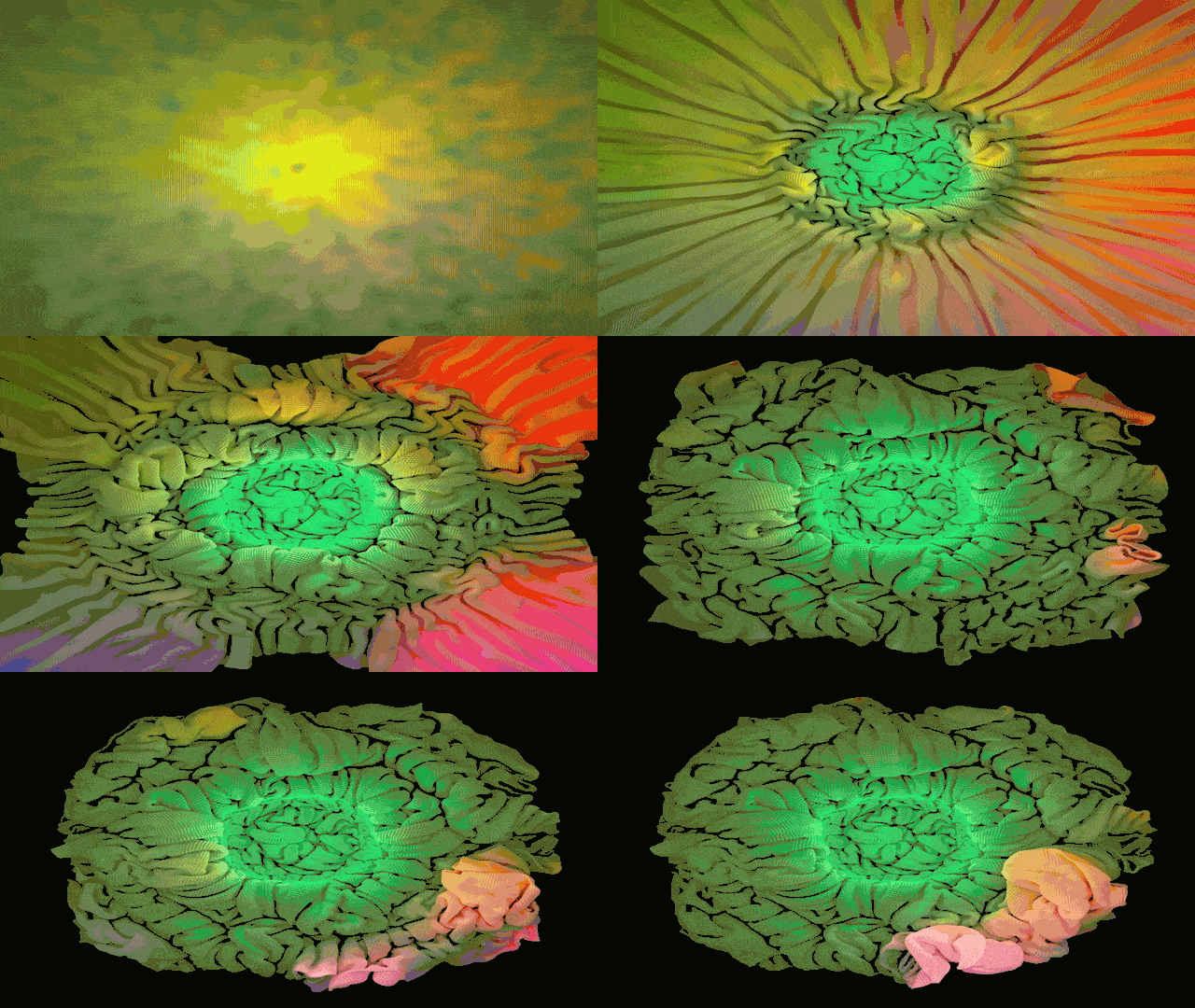
Rendering Large Aero Sims
It’s now possible to render aero sims that exceed 4GB in size. Transfer of large Bifrost datasets to Arnold is also now more efficient. To take advantage of these updates, you need to have MtoA 4.0.3 or later.
New Pre-Built Graphs
Three brand-new graphs showcasing growing FX capabilities in Bifrost are now available in the Bifrost Browser:
– Fast Aero
– Missile Hit
– Vehicle Exhaust
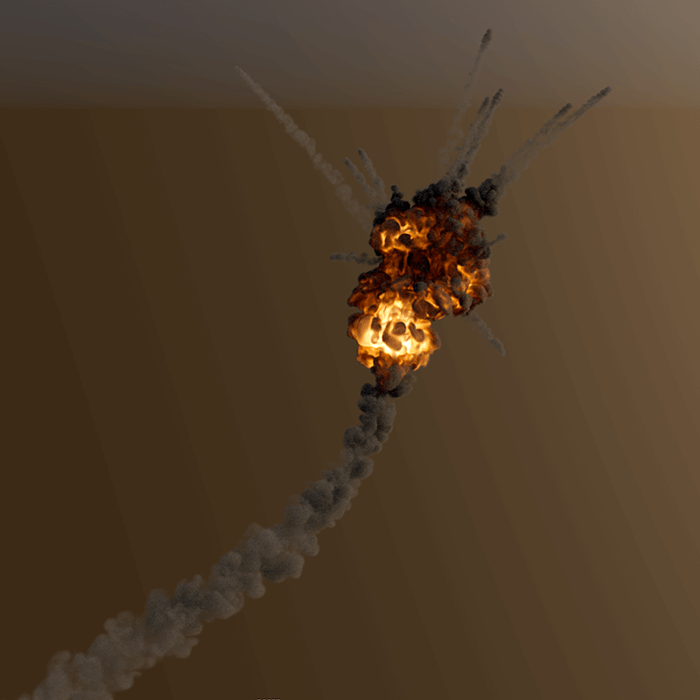
Missile Hit Example
Already subscribed to Maya? You can download Bifrost 2.1 and try out all of the new features for yourself, right here on AREA. If you are not yet a subscriber, make sure to check out our 30-day free trial of Maya.
By Marcus Nordenstam/Autodesk
熱門頭條新聞
- 3rd NVIDIA DGX Spark Hackathon · Agent Skills Development Challenge
- Mai Shiranui arrives! Crystal of Atlan Launches the Fighter’s new class branch, Sugariff Alongside The King of Fighters ’98 collaboration character
- Crossing the Anime Frontier: Steam Anime Game Festival 2026 Kicks Off, Bringing Together Worldwide Anime-Style Games
- GATE ZERO FIGHTS TO PROTECT HISTORY IN FIRST COMBAT GAMEPLAY TRAILER – COMING TO STEAM AND CONSOLES SPRING 2027
- 78th Emmy Awards (Formerly Creative Arts Emmy Awards) Concludes, Honoring On-and-Behind-the-Camera Talents in Television
- Mr. RECORDS Brings the Beat to Nintendo Switch 2
- Blossom: The Seed of Life Goes Co-op with the “Together on Mars” Updated
- SlashZero Debuts New Story Trailer at PlayStation State of Play, Demo Available Now on PlayStation 5 and Steam